Key Takeaways
- 01Cloud-based CMS platforms now dominate enterprise deployments due to lower IT overhead and automatic updates
- 02Integration capability — not feature count — is the most important CMS selection criterion for enterprise buyers
- 03Offline playback capability is non-negotiable for any deployment where network reliability cannot be guaranteed
- 04The CMS vendor's long-term viability matters as much as current feature parity — evaluate financial stability
- 05Total CMS cost over 5 years (licensing + integration + training) typically exceeds hardware cost for large deployments
Cloud vs. On-Premise: The Architecture Decision
The first decision in any CMS evaluation is architecture: cloud-hosted or on-premise. This choice has significant implications for IT overhead, security posture, update cadence, and total cost of ownership.
Cloud-based CMS platforms host all management infrastructure on the vendor's servers. Content is delivered to media players via internet connection, with local caching for offline playback. The advantages are significant: no server hardware to maintain, automatic software updates, accessible from any device, and typically lower upfront cost. The primary concern is internet dependency — though modern cloud CMS platforms include robust offline playback that maintains content delivery even during internet outages.
On-premise CMS platforms run on servers within your own infrastructure. This provides maximum control over data, eliminates internet dependency for content delivery, and may be required by security policies in regulated industries. The tradeoffs are higher IT overhead, manual update management, and typically higher upfront infrastructure costs.
Key Stat
78% of new enterprise digital signage deployments in 2024 chose cloud-based CMS platforms, up from 52% in 2020. Source: AVIXA Market Intelligence, 2024.
Must-Have Features for Enterprise Deployments
While CMS platforms vary significantly in their feature sets, these capabilities are non-negotiable for any enterprise deployment. Evaluate each prospective platform against this checklist before proceeding to detailed comparison.
- Offline playback: Content must continue playing if the network connection is interrupted. This is non-negotiable for any deployment where 100% uptime is required.
- Role-based access control: Different users need different permissions. Corporate marketing needs global content control; store managers need local override capability; IT needs administrative access.
- Scheduling and dayparting: Content should automatically change based on time of day, day of week, and calendar events without manual intervention.
- Remote monitoring and alerts: The ability to see the status of every display in real time and receive alerts when displays go offline or content fails to play.
- Multi-zone layouts: The ability to divide a single display into multiple content zones, each playing different content simultaneously.
- Proof of play reporting: Audit logs confirming that specific content played at specific times — essential for advertising compliance and campaign verification.
- API access: The ability to integrate with external data sources (POS, inventory, weather, social media) for dynamic, data-driven content.
- Hardware compatibility: Verify that the CMS supports your specific media player hardware and display models.
Integration Capabilities: The Real Differentiator
Among enterprise buyers who have deployed digital signage at scale, integration capability consistently emerges as the most important CMS selection criterion — more important than the content editor, the template library, or even the user interface. The reason is simple: the most impactful digital signage content is data-driven, and data-driven content requires robust integration with the systems that hold your data.
The integrations that deliver the highest ROI vary by industry. Retail deployments benefit most from POS integration (real-time pricing and promotions), inventory integration (automatic sold-out messaging), and loyalty program integration (personalized offers). Healthcare deployments prioritize EHR integration (real-time wait times), wayfinding database integration, and emergency alert system integration. Corporate deployments focus on calendar integration (room booking displays), HR system integration (directory and wayfinding), and internal communications platform integration.
| Integration Type | Industry | Business Impact |
|---|---|---|
| POS / Pricing Systems | Retail, QSR | Real-time price accuracy, automated promotions |
| Inventory Management | Retail, QSR | Automatic sold-out messaging, stock-level promotions |
| EHR / Patient Systems | Healthcare | Real-time wait times, appointment status |
| Calendar / Room Booking | Corporate | Meeting room availability, wayfinding accuracy |
| Weather APIs | Retail, Hospitality | Context-relevant content (weather-triggered promotions) |
| Social Media Feeds | Hospitality, Retail | User-generated content, live event feeds |
| Emergency Alert Systems | All verticals | Automated safety messaging, evacuation guidance |
Platform Comparison: Key Categories
Rather than ranking specific vendors (which change rapidly as platforms evolve), this framework evaluates CMS platforms across the categories that matter most for enterprise deployments. Use this as your evaluation template when reviewing vendor proposals.
- Ease of use for non-technical staff: Can a store manager or office administrator update content without IT involvement? Evaluate the content editor with representative end users, not just IT staff.
- Template quality and customization: Does the platform include professional templates for your industry? Can templates be customized to match your brand standards without developer involvement?
- Player hardware ecosystem: Does the platform support your preferred media player hardware? Vendor lock-in to proprietary hardware significantly increases long-term costs.
- Scalability: Can the platform manage 10 displays as easily as 1,000? Test performance with large device counts before committing.
- Support quality: Evaluate support responsiveness, documentation quality, and community resources. CMS support quality varies enormously between vendors.
- Pricing model transparency: Understand exactly what is included in the per-player licensing fee and what triggers additional charges. Hidden costs for integrations, API access, and advanced features are common.
CMS Selection Framework
Use this structured process to evaluate CMS platforms systematically. Rushing the CMS selection decision is one of the most common and costly mistakes in digital signage projects — the platform you choose will shape your content operations for 5–10 years.
- Step 1 — Define your requirements: Document your must-have features, integration requirements, user roles, and device count before evaluating any platforms.
- Step 2 — Create a shortlist: Identify 3–5 platforms that meet your must-have requirements. Your integrator should be able to recommend platforms based on your specific use case.
- Step 3 — Request sandbox access: Evaluate each platform with hands-on testing by the actual users who will manage content day-to-day, not just IT evaluators.
- Step 4 — Test integrations: If data integrations are important, require a proof-of-concept integration test with your actual data systems before making a final decision.
- Step 5 — Evaluate vendor stability: Review the vendor's funding status, customer count, and support infrastructure. A CMS platform that is discontinued mid-deployment is a serious operational risk.
- Step 6 — Calculate 5-year TCO: Include licensing, integration development, training, and support costs. The cheapest per-player license rarely produces the lowest 5-year TCO.
Frequently Asked Questions
Answers to the most common questions about technology guide in digital signage.
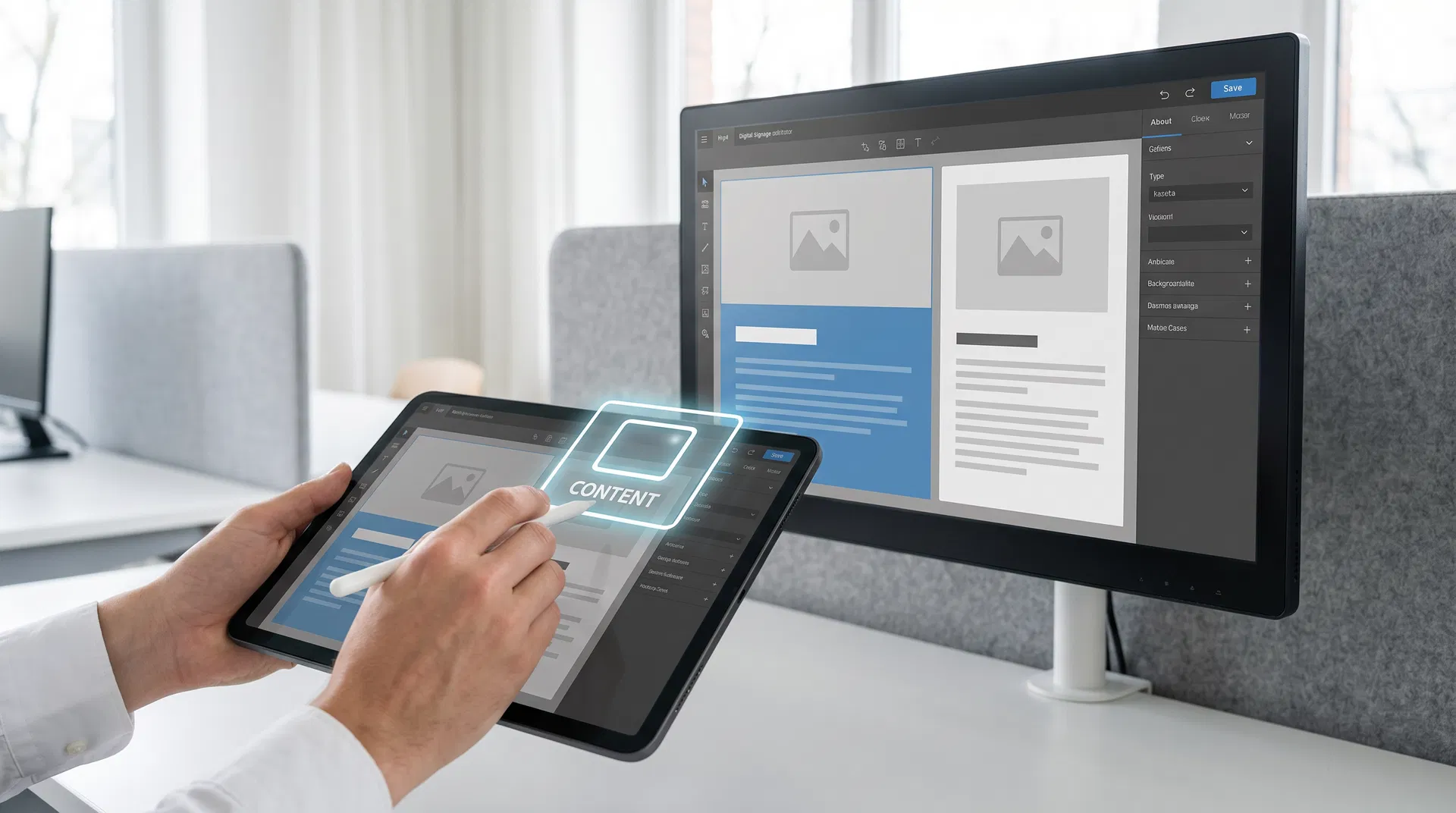
A digital signage CMS is software that allows you to create, schedule, and manage content across a network of digital displays from a central interface. It handles content distribution to media players, scheduling (including dayparting and event-triggered content), remote monitoring of display status, and reporting on content playback.

About the Author
Tim Ault
Co-Founder & COO, Coffman Media
Tim Ault is Co-Founder and COO of Coffman Media. With a background in project management and client relationship development, Tim oversees operations and ensures every deployment meets Coffman Media's standards for quality and client satisfaction across 600+ client engagements.
Connect on LinkedInWork With Coffman Media
Ready to Transform Your Screens Into Powerful Messages?
Coffman Media designs, installs, and manages end-to-end digital signage systems for enterprise, retail, healthcare, and education. From a single display to a nationwide network, we deliver solutions that drive real results.