Key Takeaways
- 01Pixel pitch is the most important LED video wall specification — it determines the minimum viewing distance for sharp imagery
- 02Direct-view LED (dvLED) has replaced LCD video walls as the premium standard for most commercial applications
- 03Structural load capacity must be verified by a structural engineer before any large-format video wall installation
- 04Total cost of ownership for LED video walls is typically 40–60% lower than LCD video walls over a 10-year horizon
- 05Content resolution must be matched to the physical pixel count of the wall — not standard broadcast resolutions
Direct-View LED vs. LCD Video Walls: Which Is Right for You?
The video wall market has undergone a fundamental shift over the past five years. Direct-view LED (dvLED) technology — once reserved for the largest budgets and highest-profile installations — has reached price points that make it the preferred choice for most commercial applications. Understanding the differences between dvLED and LCD video walls is essential for making the right specification decision.
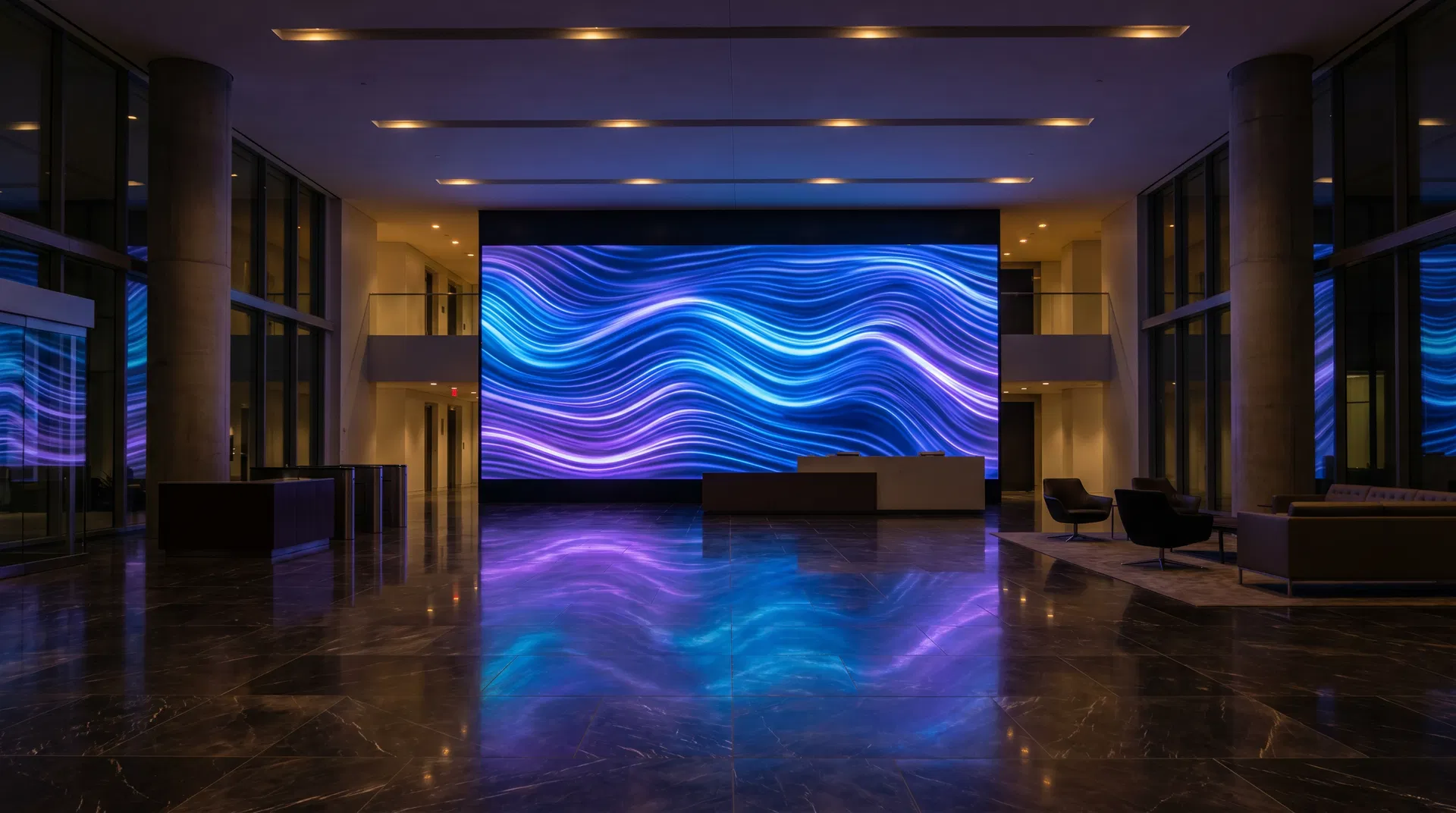
Direct-View LED consists of individual LED modules mounted directly to a structural frame. There are no bezels, no backlights, and no LCD panels. The result is a seamless, ultra-high-brightness display surface that can be configured in virtually any size or aspect ratio. dvLED panels are rated for 100,000+ hours of operation and maintain consistent brightness and color accuracy throughout their lifespan.
LCD Video Walls use commercial LCD panels arranged in a grid configuration. Even the best LCD video walls have visible bezels between panels, which creates a grid pattern that is distracting for content that spans the full display surface. LCD panels also experience brightness degradation over time and require individual panel replacement when failures occur.
| Factor | Direct-View LED | LCD Video Wall |
|---|---|---|
| Seams/Bezels | Zero — fully seamless | 0.9mm–3.5mm bezels visible |
| Brightness | 800–10,000+ nits | 400–800 nits |
| Lifespan | 100,000+ hours | 50,000–70,000 hours |
| Viewing Angle | 160–180° | 160–178° |
| Pixel Pitch Range | 0.9mm–10mm+ | N/A (fixed by panel size) |
| Minimum Viewing Distance | 1m–10m+ (pitch dependent) | ~1.5m for 55" panels |
| 5-Year TCO | Higher initial, lower ongoing | Lower initial, higher ongoing |
| Custom Shapes | Yes — any configuration | Limited to rectangular grids |
Pixel Pitch Explained: The Most Important Spec
Pixel pitch is the distance in millimeters between the centers of adjacent LED pixels. It is the single most important specification for an LED video wall because it determines the minimum viewing distance at which the display appears as a continuous, sharp image rather than a grid of individual dots.
The general rule of thumb is that the minimum comfortable viewing distance in meters equals the pixel pitch in millimeters multiplied by a factor of 3–4. A P2.5 (2.5mm pixel pitch) panel is best viewed from at least 7.5–10 meters away. A P1.2 panel can be viewed from as close as 3.6–4.8 meters.
Choosing a pixel pitch that is too coarse for your viewing distance is the most common and costly mistake in video wall specification. It results in a display that looks pixelated at normal viewing distances, undermining the entire investment.
| Pixel Pitch | Min. Viewing Distance | Typical Application | Relative Cost |
|---|---|---|---|
| P0.9 – P1.2 | 2.7m – 4.8m | Control rooms, boardrooms, close-viewing lobbies | Premium |
| P1.5 – P1.8 | 4.5m – 7.2m | Corporate lobbies, conference centers, retail flagships | High |
| P2.0 – P2.5 | 6m – 10m | Retail, hospitality, mid-size venues | Mid-range |
| P3.0 – P4.0 | 9m – 16m | Large venues, arenas, outdoor-adjacent spaces | Standard |
| P5.0 – P10.0 | 15m – 40m | Outdoor, large stadiums, building facades | Economy |
Video Wall Sizing: How to Calculate the Right Dimensions
Video wall sizing is determined by three factors: the available wall space, the minimum viewing distance, and the desired content resolution. These three factors must be balanced to produce a specification that delivers the intended visual impact without exceeding structural or budgetary constraints.
Step 1: Determine the maximum available dimensions. Measure the available wall space, accounting for any architectural features, electrical panels, or HVAC equipment that cannot be covered. Note the ceiling height and any overhead obstructions that may affect installation access.
Step 2: Calculate the appropriate pixel pitch. Identify the primary viewing distance — the distance from which the majority of viewers will experience the display. Divide this distance (in meters) by 3 to get the maximum acceptable pixel pitch in millimeters. For a lobby where viewers will be 8 meters away: 8 ÷ 3 = 2.67mm maximum pitch. Specify P2.5 or finer.
Step 3: Calculate the physical pixel count. Multiply the wall width and height (in millimeters) by 1,000 and divide by the pixel pitch to get the horizontal and vertical pixel counts. This is your native content resolution.
Pro Tip
Sizing Tip: LED video wall panels come in fixed module sizes (typically 500×500mm or 500×1000mm). Your final wall dimensions must be divisible by the module size. Work with your integrator to find dimensions that maximize visual impact while fitting the module grid.
Installation Requirements You Must Plan For
LED video wall installations involve structural, electrical, and network requirements that must be assessed and addressed before any hardware is ordered. Failing to plan for these requirements is a leading cause of project delays and cost overruns.
- Structural load capacity: A large-format LED video wall can weigh 500–2,000+ lbs. The mounting surface must be engineered to support this load. Always require a structural engineer's sign-off before installation.
- Electrical requirements: LED video walls require dedicated circuits. A 10×3 meter P2.5 installation typically requires 20–30 amps of dedicated 208V power. Electrical work must be completed before display installation begins.
- Network infrastructure: Each LED processor requires a network connection for content delivery and remote monitoring. Plan for dedicated network drops at the installation location.
- Thermal management: LED video walls generate significant heat. Ensure adequate HVAC capacity in the installation space, particularly for enclosed environments.
- Access for maintenance: LED panels require periodic maintenance and occasional module replacement. Design the installation to allow access to the rear of the display without full disassembly.
- Ambient light control: High-brightness LED walls can overcome most ambient light conditions, but direct sunlight on the display surface will reduce perceived contrast. Consider window treatments or display orientation.
Content Considerations for Video Walls
A video wall is only as impressive as the content displayed on it. Many organizations invest heavily in hardware and underinvest in content, resulting in a display that rarely reaches its visual potential. These content principles are essential for maximizing the impact of your video wall investment.
Native resolution content: Content should be produced at the native pixel resolution of your specific video wall, not at standard broadcast resolutions (1920×1080 or 3840×2160). A custom 6,400×1,600 pixel wall requires custom 6,400×1,600 content to display without scaling artifacts.
Motion and depth: Video walls are most impactful when displaying content with motion and depth. Static images on a large-format display quickly become invisible to habituated viewers. Plan for a mix of motion graphics, video content, and live data feeds.
Viewing angle optimization: Design content for the primary viewing angle, not for a head-on perspective. In a lobby where most viewers approach from the left, content should be designed to read clearly from that angle.
Key Stat
Organizations that invest in professionally produced, wall-native content report 3.2× higher engagement rates than those using repurposed broadcast-resolution content. Source: Coffman Media client data, 2024.
Total Cost of Ownership Analysis
The initial cost of an LED video wall is higher than an equivalent LCD video wall configuration, but the total cost of ownership over a 10-year horizon consistently favors LED. The key drivers are lifespan (100,000+ hours vs. 50,000–70,000 hours for LCD), maintenance costs (LED modules can be replaced individually vs. full panel replacement for LCD), and energy efficiency (LED consumes 30–50% less power than equivalent LCD configurations).
| Cost Category | dvLED (10-Year) | LCD Video Wall (10-Year) |
|---|---|---|
| Initial Hardware | $85,000–$180,000 | $45,000–$95,000 |
| Installation | $15,000–$35,000 | $12,000–$28,000 |
| Maintenance & Repairs | $8,000–$20,000 | $25,000–$60,000 |
| Energy Costs | $4,000–$10,000 | $7,000–$18,000 |
| Panel/Module Replacements | $5,000–$15,000 | $20,000–$50,000 |
| 10-Year Total | $117,000–$260,000 | $109,000–$251,000 |
Frequently Asked Questions
Answers to the most common questions about technology guide in digital signage.
An LED video wall uses direct-view LED modules with no bezels between panels, producing a fully seamless display surface with very high brightness (800–10,000+ nits) and a 100,000+ hour lifespan. An LCD video wall uses commercial LCD panels arranged in a grid, with visible bezels between panels and lower brightness (400–800 nits). For most commercial applications, direct-view LED is now the preferred choice due to its seamless appearance and lower long-term maintenance costs.

About the Author
Tim Ault
Co-Founder & COO, Coffman Media
Tim Ault is Co-Founder and COO of Coffman Media. With a background in project management and client relationship development, Tim oversees operations and ensures every deployment meets Coffman Media's standards for quality and client satisfaction across 600+ client engagements.
Connect on LinkedInWork With Coffman Media
Ready to Transform Your Screens Into Powerful Messages?
Coffman Media designs, installs, and manages end-to-end digital signage systems for enterprise, retail, healthcare, and education. From a single display to a nationwide network, we deliver solutions that drive real results.