Key Takeaways
- 01Connected menu data helps restaurant teams keep menu boards aligned with the operational information guests see at the point of sale.
- 02A dependable workflow defines a source of truth, validates the fields that matter, and gives the team a clear path when a feed is delayed or unavailable.
- 03The CMS is important, but it is one piece of a wider operating model that includes POS or menu data, content rules, approval, support, and testing.
- 04Coffman Media supports multiple CMS platforms, including Navori, Scala, and C.M.S., and can evaluate existing connectors or build the right integration path for a meaningful opportunity.
- 05The best restaurant menu-board projects are designed around accuracy, speed of change, local variation, and the people who will operate the system every day.
A Digital Menu Board Is a Guest-Facing Promise
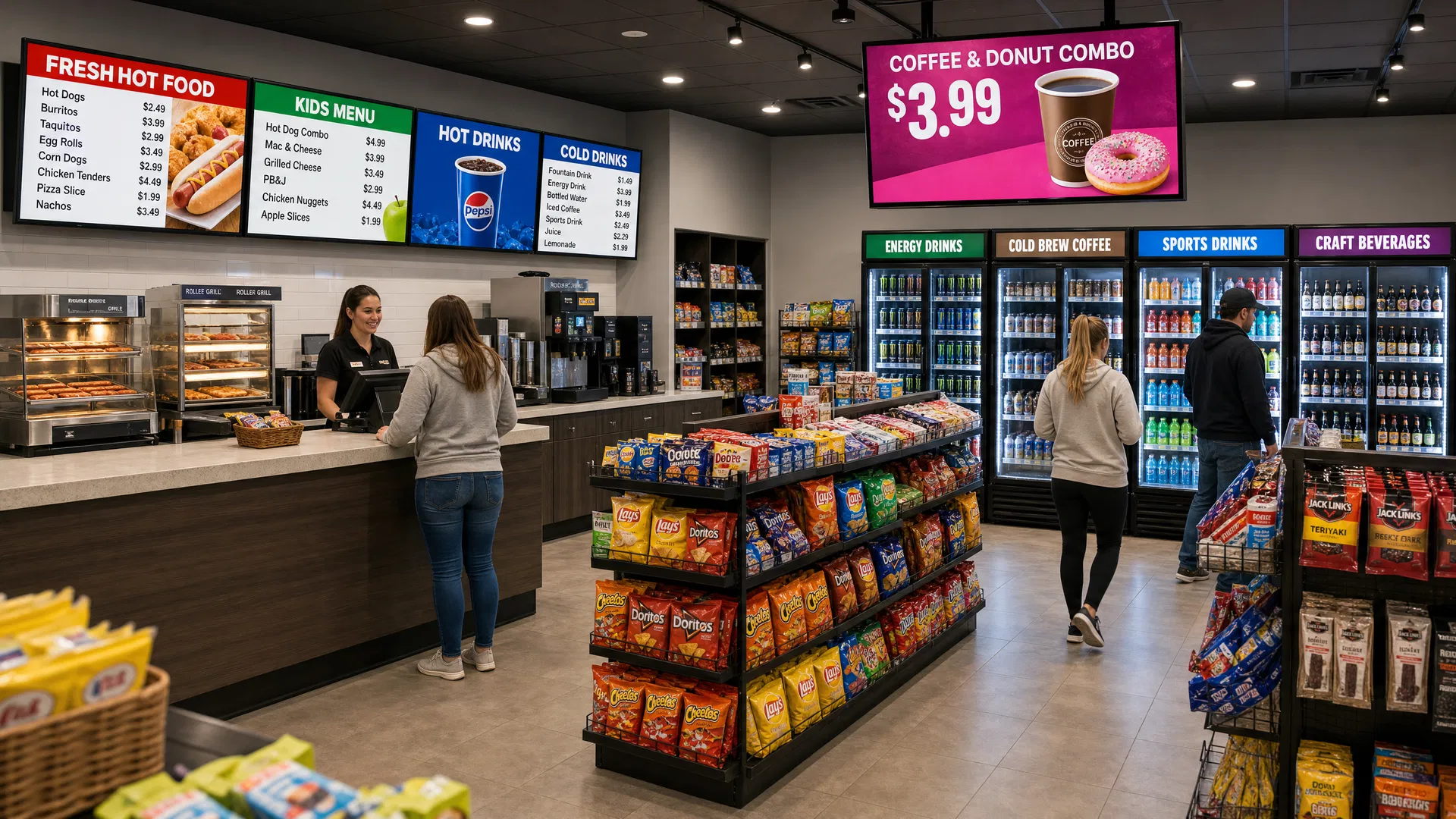
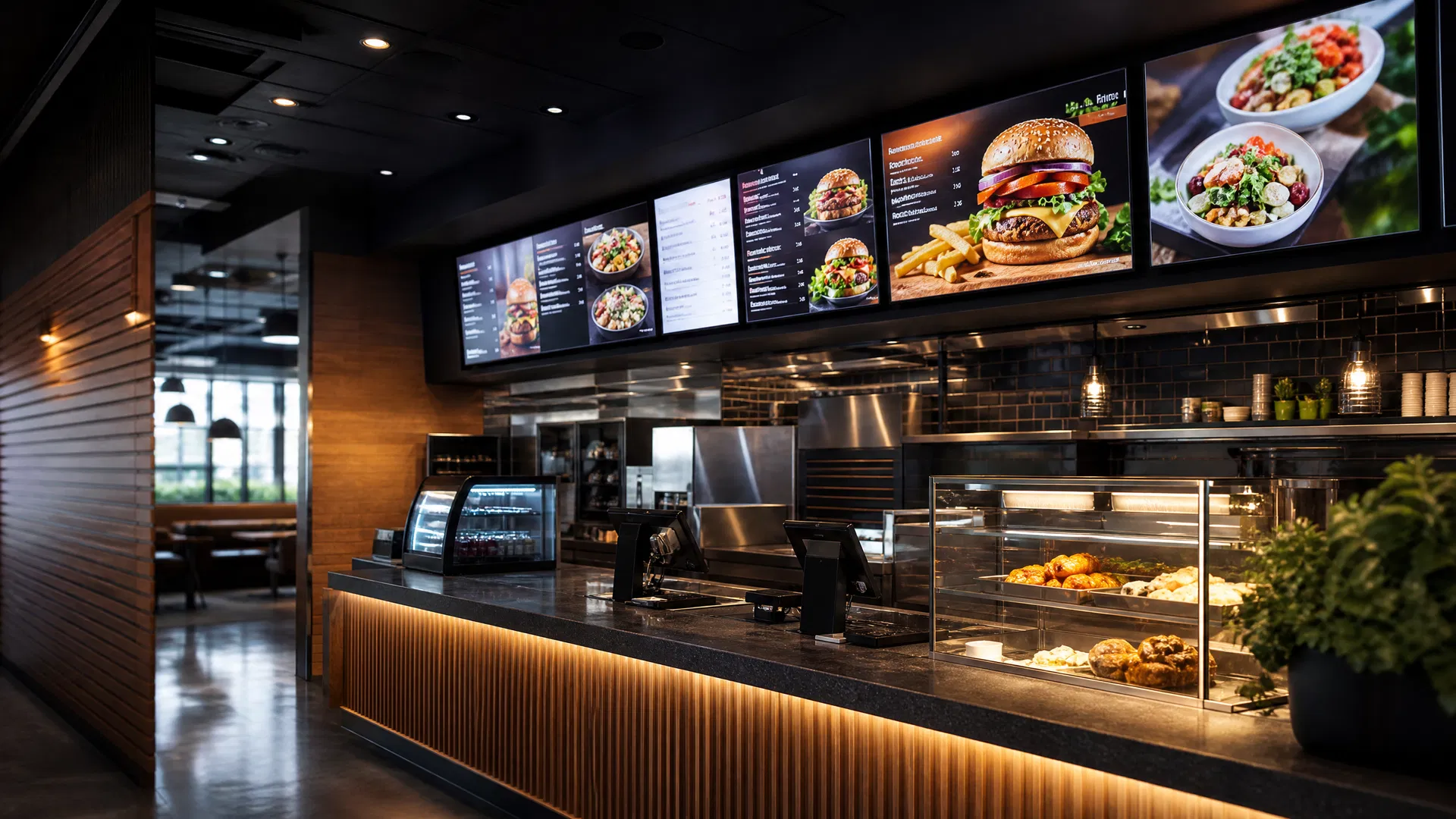
A menu board is one of the most important pieces of operational communication in a restaurant. It tells guests what is available, what it costs, what is being featured, and what they can expect before an order is placed. When the information on the board does not match what the restaurant can actually sell, the problem is more than visual. It creates friction for guests and pressure for the team at the counter or drive-thru.
That is why connected menu data matters. The goal is not to add technology for its own sake. The goal is to create a dependable path from the operational data a restaurant already manages to the screens guests rely on.
A well-designed digital menu board program helps restaurants coordinate that path so updates are more timely, local variations are easier to manage, and staff do not have to rebuild the same menu information in several places every time something changes.
Pro Tip
The best starting point is not a screen specification. It is a clear answer to one question: what information must always be correct when a guest looks up?
What Connected Menu Data Can Keep in Sync
Not every restaurant needs the same level of automation. Some teams begin by centralizing approved menu content and schedules. Others need a more connected experience across a regional or national network. The right scope depends on the menu, how often it changes, how locations operate, and where authoritative information lives today.
In a connected environment, the menu-board workflow can be designed around the data points that have the greatest impact on guest accuracy and day-to-day restaurant operations. That may include core menu items, prices, promotional windows, dayparts, location-specific variations, availability messaging, nutrition or compliance information, and campaign assets.
The important distinction is between putting data on a screen and operating a data-driven communication system. A strong system gives restaurant, marketing, operations, and technology teams confidence that the board reflects an approved, intentional version of the menu.
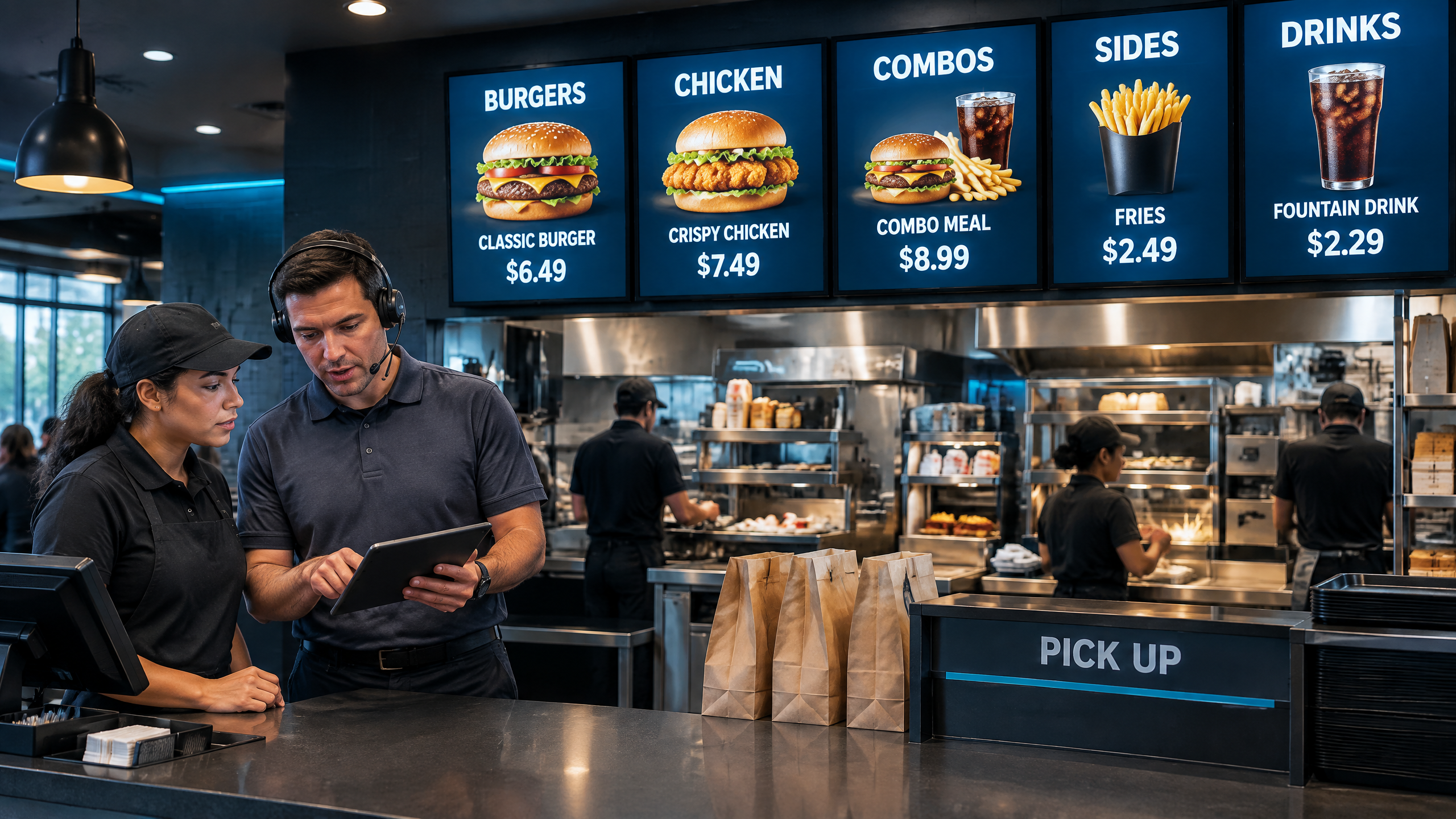
- Menu item names, descriptions, and product imagery
- Prices, combo configurations, and location-specific price zones
- Breakfast, lunch, dinner, and late-night daypart changes
- Time-bound promotions, limited-time offers, and regional campaigns
- Availability, substitution, or out-of-stock messaging when the approved workflow supports it
- Nutrition, allergen, and other required menu disclosures
Why Manual Updates Become an Operational Risk
A single restaurant can sometimes keep up with manual menu updates. A multi-location brand quickly learns how difficult that becomes. A price change may require a different execution for one market. A new offer may begin at a specific time. A franchisee may need a local exception. An item may be removed from one location while the broader campaign remains active.
When those changes are handled through spreadsheets, emailed artwork, individual screen edits, and last-minute calls, accuracy depends on people remembering every handoff. That is not a sustainable control system. It can also delay the marketing team when an urgent change is needed and leave store teams explaining a mismatch to guests.
Connected menu data does not remove the need for review. It gives review a more reliable place to happen. Instead of recreating the same facts for every screen, teams can establish a governed workflow for the information that drives the menu experience.
Important
Automation should never bypass restaurant approval. A connected workflow still needs clear owners for menu data, creative rules, promotions, and exceptions.
The CMS Is Part of the Workflow, Not the Whole Workflow
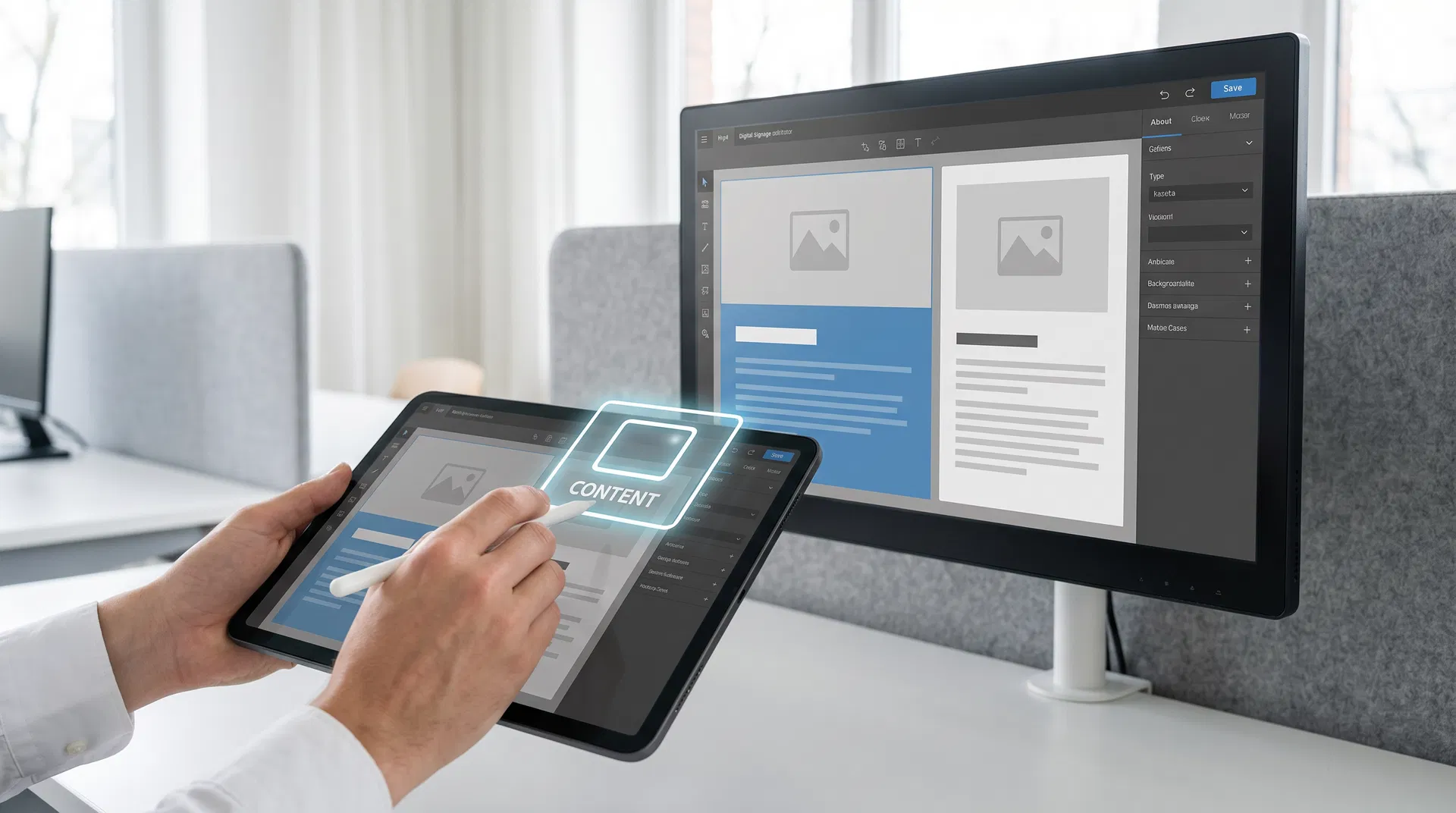
The content management system is the control layer for what appears on the screen. It manages templates, playlists, schedules, location rules, permissions, and device delivery. It can also provide the publishing tools that turn approved menu data into a visual menu board.
But no CMS should be evaluated in isolation. The restaurant still needs to understand where the data originates, how it moves, what is transformed, what happens if a field changes unexpectedly, who approves the result, and how a location is supported when something is off. A platform choice should fit the entire operating model rather than forcing the operating model to fit a product.
That is especially important for restaurants with established POS, e-commerce, inventory, loyalty, or ordering systems. An integration may use an existing connector, an approved data feed, an API, a middleware layer, or a tailored build. The architecture should be selected for the restaurant's real requirements, not because it is the shortest demo path.
Choosing the Right CMS Around the Full Restaurant Operation
Coffman Media works with multiple digital signage platforms so the conversation can begin with the restaurant's goals. For a large organization, the right platform may be the one with the enterprise scheduling, governance, data-publishing depth, and support model needed for a complex network. For another brand, the priority may be a managed environment, practical price-zone controls, or a route to migrate an existing program without disrupting daily operations.
Navori is one option for organizations that need enterprise-scale content management, real-time data publishing, advanced scheduling, and a hardware-agnostic architecture. Scala remains a proven enterprise platform with deep content-management, data-integration, and multi-site capabilities for organizations evaluating its evolving ecosystem. C.M.S. (Coffman Media Software) is Coffman Media's managed platform, with tools including live data integration and Zone Pricing for multi-site menu board programs.
Those are not interchangeable labels. A proper recommendation considers the current environment, the desired guest experience, content ownership, location count, data needs, security expectations, hardware, future roadmap, and the team that will keep the program running after launch.
Integration Should Support the Business Case, Not Limit It
A restaurant's current software stack matters because it affects how quickly information can be connected, validated, and supported. It should not be used as a reason to narrow a viable solution before the opportunity is understood.
Coffman Media evaluates the full business case. When an existing integration or partner pathway is the right fit, it can shorten the path to a dependable deployment. When a restaurant has a meaningful requirement that is not covered by an off-the-shelf connector, the answer may be a tailored integration approach. The right question is whether the proposed architecture will reliably deliver the information the restaurant and its guests need.
That approach gives teams room to make decisions based on the outcome: accurate menus, efficient operations, a maintainable technology stack, and a program that can grow without forcing every location into a brittle workaround.
Key Stat
A menu-data integration is successful when the business can trust what guests see, not simply when two systems have exchanged data once.
What a Reliable Menu-Data Workflow Looks Like
The exact technical architecture can vary, but dependable projects tend to follow the same operating principles. The project team identifies a source of truth, agrees on the fields that will appear on-screen, maps those fields to approved templates, and defines who owns each decision when a data or content exception appears.
The workflow should also account for timing. A menu update may be immediate, scheduled, location-specific, or dependent on approval. A promotion may run only during a daypart. A franchise network may need a corporate standard with controlled local flexibility. The CMS should support those rules, while the integration design should make the rule set visible and manageable.
Most importantly, the implementation needs a sensible fallback. People should know what the screen will do if a data source is unavailable, if a field is incomplete, or if an update fails validation. A strong fallback plan protects the guest experience while the support team investigates the cause.
- Document the authoritative menu or operational data source for each field that will reach the screen.
- Map data to reusable, brand-approved menu templates rather than rebuilding artwork for every update.
- Define approval, daypart, regional, franchise, and location-exception rules before rollout.
- Set validation checks for required fields, expected formats, and reasonable price or item changes.
- Create a monitored fallback state that keeps a clear, approved menu visible if a live feed is delayed.
- Give operations and support teams a documented escalation path with clear ownership.
Testing Is What Protects Menu Accuracy
Menu board accuracy should be accepted as an operational result, not assumed because a preview looks good. Before a wider rollout, a representative set of locations should test the real scenarios that matter: a price update, a daypart transition, a regional variation, a promotion start and end, an item exception, a network interruption, and the handoff between the restaurant, marketing, and support teams.
This phase is valuable because it identifies the human details that architecture diagrams miss. Does the right person know how to approve a local change? Is the source field clear enough for the content team? Can a store manager identify the correct fallback path? Does the team receive a useful alert when the board cannot update?
A controlled pilot or phased rollout lets the brand answer those questions with evidence before committing the entire network. It is also the best time to refine templates, exception rules, and support procedures without putting day-to-day restaurant operations at unnecessary risk.
Plan Connected Menu Boards Around the Restaurant
Every restaurant technology decision should support the people and the guest experience at the location. For connected menu boards, that means treating software, data, displays, creative, installation, and support as parts of one system.
Coffman Media helps organizations bring those parts together. We can assess the existing environment, define the information that needs to reach the menu board, evaluate CMS options, map an integration approach, specify the right commercial display hardware, and plan the operating model that will keep the program dependable over time.
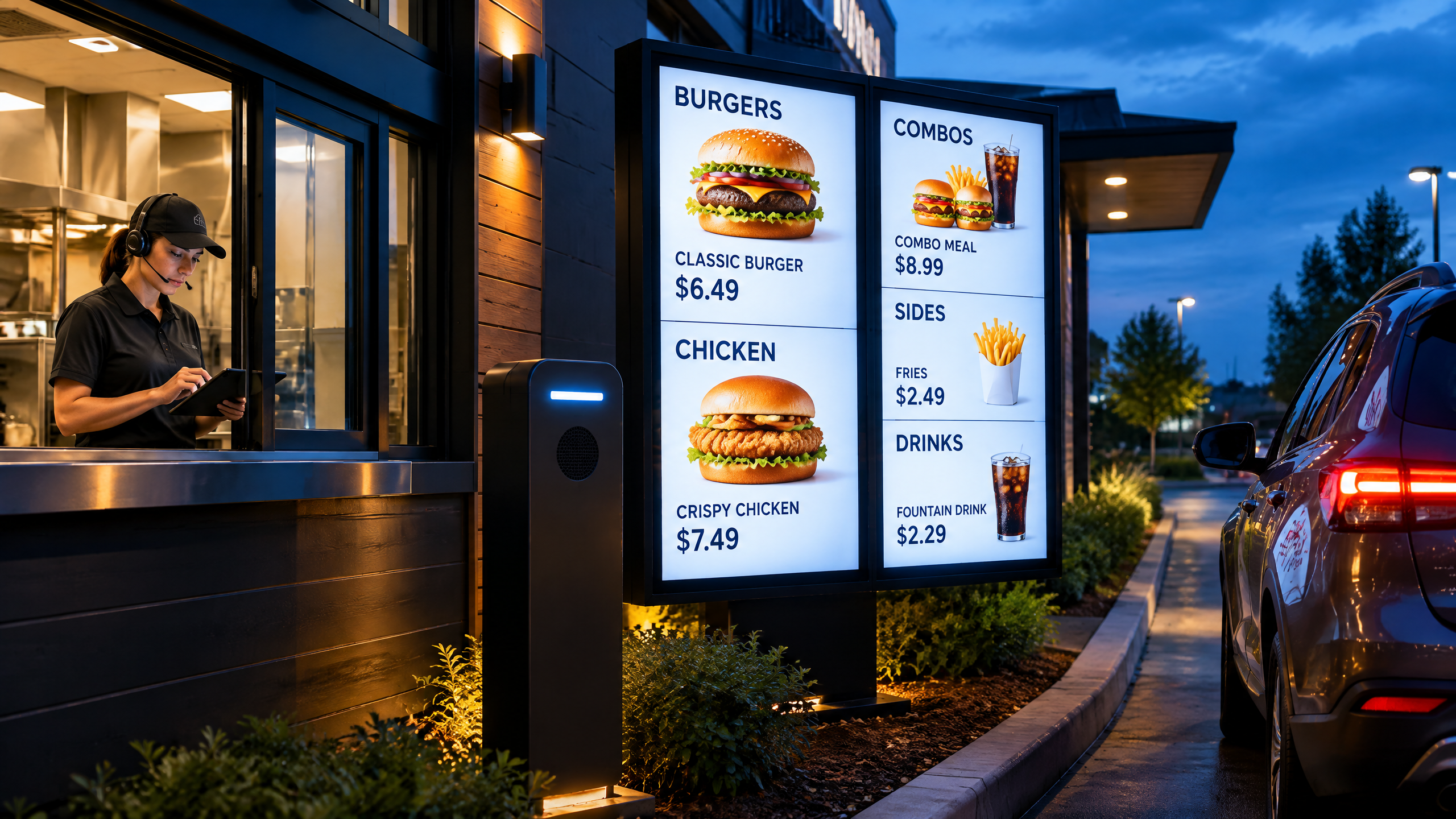
For brands planning indoor menus, drive-thru screens, or a broader restaurant rollout, the work is most effective when it starts before the final screen layout is approved. That is when the team can make sure the menu experience is designed around accuracy from the beginning.
Start With the Operating Question
The most useful first conversation is usually not “Which CMS should we buy?” It is “What must our restaurants be able to change accurately, and how will we prove it is working?”
If your team is evaluating new digital menu boards, modernizing an existing network, or planning a connected restaurant experience, Coffman Media can help you define a practical path. Request a menu board consultation to discuss the systems, locations, operational rules, and support model behind your project.
Frequently Asked Questions
Answers to the most common questions about technology guide in digital signage.
Connected menu data is a managed workflow that moves approved restaurant information from an authoritative operational source into digital menu-board templates and schedules. Depending on the project, it can coordinate menu items, pricing, dayparts, promotions, location-specific variations, and other guest-facing information while preserving approval and support controls.

About the Author
Coffman Media Editorial Team
Coffman Media
The Coffman Media editorial team draws on 16+ years of hands-on experience designing, deploying, and managing digital signage networks across retail, healthcare, corporate, hospitality, and more. Our content reflects real-world insights from working with 600+ clients across 13+ countries.
Connect on LinkedInWork With Coffman Media
Ready to Transform Your Screens Into Powerful Messages?
Coffman Media designs, installs, and manages end-to-end digital signage systems for enterprise, retail, healthcare, and education. From a single display to a nationwide network, we deliver solutions that drive real results.